HighLevel
You need a business number, missed-call text-back, CRM, pipeline, calendars, workflows, reviews, and reporting in one place.
Affiliate linkHighLevel for real estate photographers
Use this blueprint to plan inquiry, booking, delivery and follow-up. It is a design guide, not an installed or tested account. The Flyover snapshot is not available to import here.
Affiliate disclosure: Flyover Creative may earn a commission if you start HighLevel through this link, at no extra cost to you. Software does not create clients on its own. The workflows still need a real offer, testing, and responsible follow-through.
The honest fit
Start by listing the tasks your existing tools cannot reliably handle. A calendar, spreadsheet and delivery service may be sufficient while you validate demand. Consider HighLevel only when its supported features solve a demonstrated gap; check current plan limits, usage charges, integrations and setup effort before subscribing.
You need a business number, missed-call text-back, CRM, pipeline, calendars, workflows, reviews, and reporting in one place.
Affiliate linkYou mainly need a booking form, calendar, invoice, and a short email sequence.
Compare tools laterYour packages, policies, service area, turnaround, and sales process are still changing every week.
Build the basicsSnapshot map
The pipeline is the spine. Forms, reminders, tasks, and messages should move the work forward without hiding what a person still owns.
Capture the source, service, property, timeline, and missing details. Send acknowledgement and notify the owner.
Confirm the job is inside the service area, scope, availability, property type, and policy boundaries.
Track the package, add-ons, amount, date sent, and the next useful follow-up.
Confirm the date, property, access, occupancy, go-live timing, package, add-ons, and assigned photographer.
Mark capture complete, record exceptions, and send the work into the correct editing path.
Track the editor, due date, quality check, revision status, and delivery package.
Send the gallery or video, explain the revision window, and confirm the client can access everything.
Ask at the right moment, follow up once, and route all feedback without hiding negative experiences.
Record the next listing, service preferences, volume, and relationship follow-up.
Close the loop, record why, and use low-frequency nurture only when consent and fit support it.
Proposed snapshot contents
HighLevel snapshots can copy many configuration assets. The useful question is which ones reduce mistakes and protect client communication.
CRM
Client, property, service, source, value, assignment, and delivery data.
Capture
Quote request, client intake, property details, revisions, referrals, and Vault opt-in.
Schedule
Discovery, photo, twilight, video, and mentoring calendars with real travel buffers.
Respond
Immediate acknowledgement, request sorting, owner notification, and follow-up tasks.
Operate
Preparation, weather hold, completion, editing handoff, delivery, and revision.
Retain
Respectful review requests, referrals, quarterly value notes, and dormant-client follow-up.
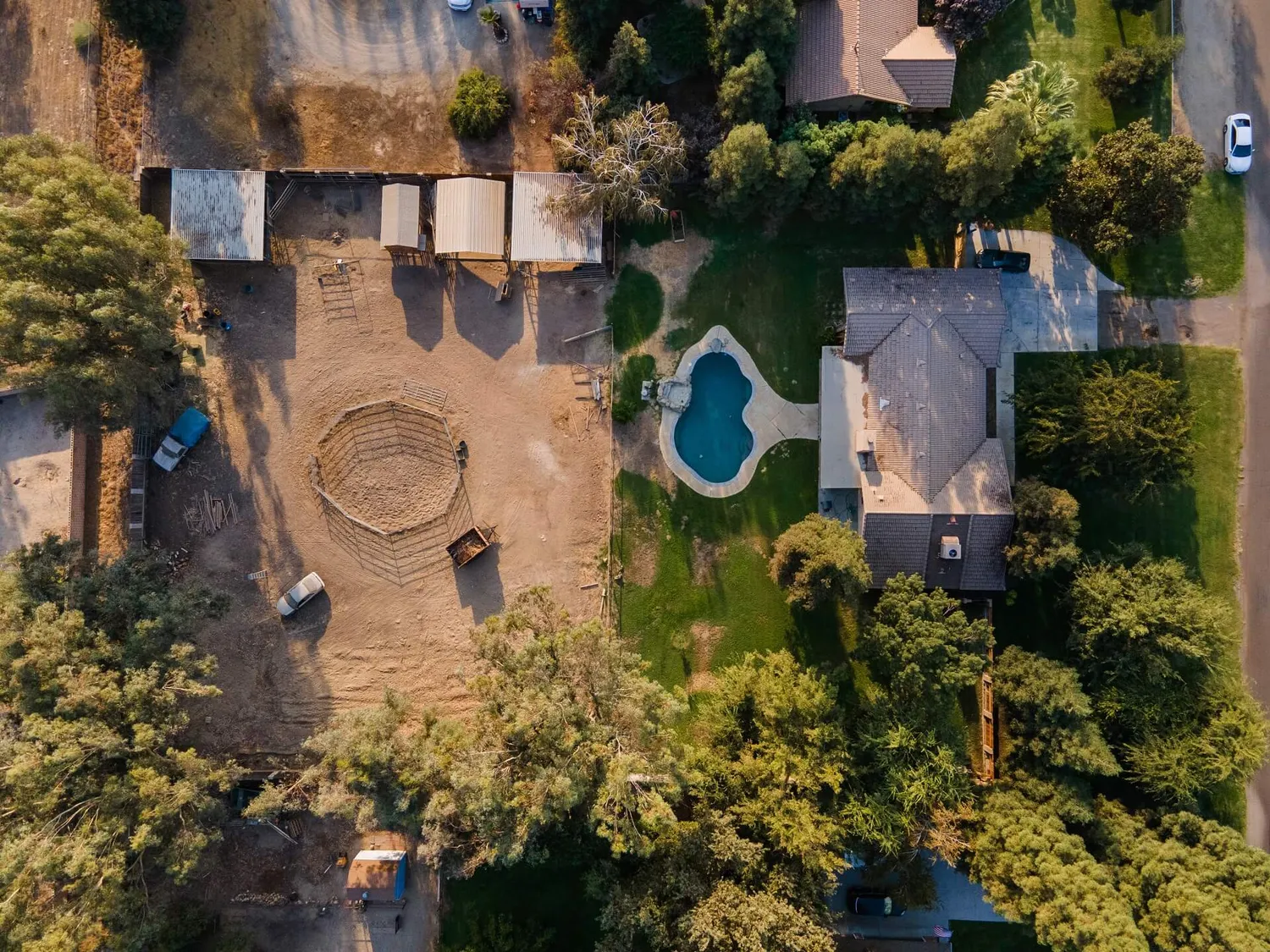
The AI boundary
The useful layer is administrative. Website questions, call summaries, lead summaries, draft follow-up, and the daily task brief.
Manual setup
HighLevel snapshots transfer supported configuration assets, not a complete running business. Contacts, conversations and live activity do not transfer; connections and account-specific settings still need setup and testing. Check the current HighLevel snapshot documentation for supported assets and exclusions.
Business number, email service, domain, calendars, payments, review links, and team users.
Test after setupService area, travel, tax, cancellation, weather, licensing, usage, delivery, and revision policy.
Complete the booking briefSafe seed contacts, duplicate checks, opt-outs, branches, notifications, assignments, and reporting.
See the checksAcceptance checks
The system should be proven with controlled test records before a real agent depends on it.
Use the test checklist belowWorking checklist · Reviewed September 10, 2026
Use controlled test contacts and inboxes you own. Keep outbound workflows off during setup. For each test, record the expected result, actual result, timestamp, evidence, and person responsible for any fix. These are proposed acceptance criteria, not results already achieved by this blueprint.
Release record: workflow/version ________ · tests passed ________ · unresolved failures ________ · owner ________ · date ________. Keep anything with unresolved consent, routing, payment, or delivery failures disabled.
Start with the blueprint
Use the blueprint and checks on this page first. If HighLevel fits your tested process and budget, the affiliate link below takes you to the provider. It does not include a delivered Flyover snapshot.
Flyover Creative may earn a commission if you start HighLevel through this link. Your price is not increased because of the referral.