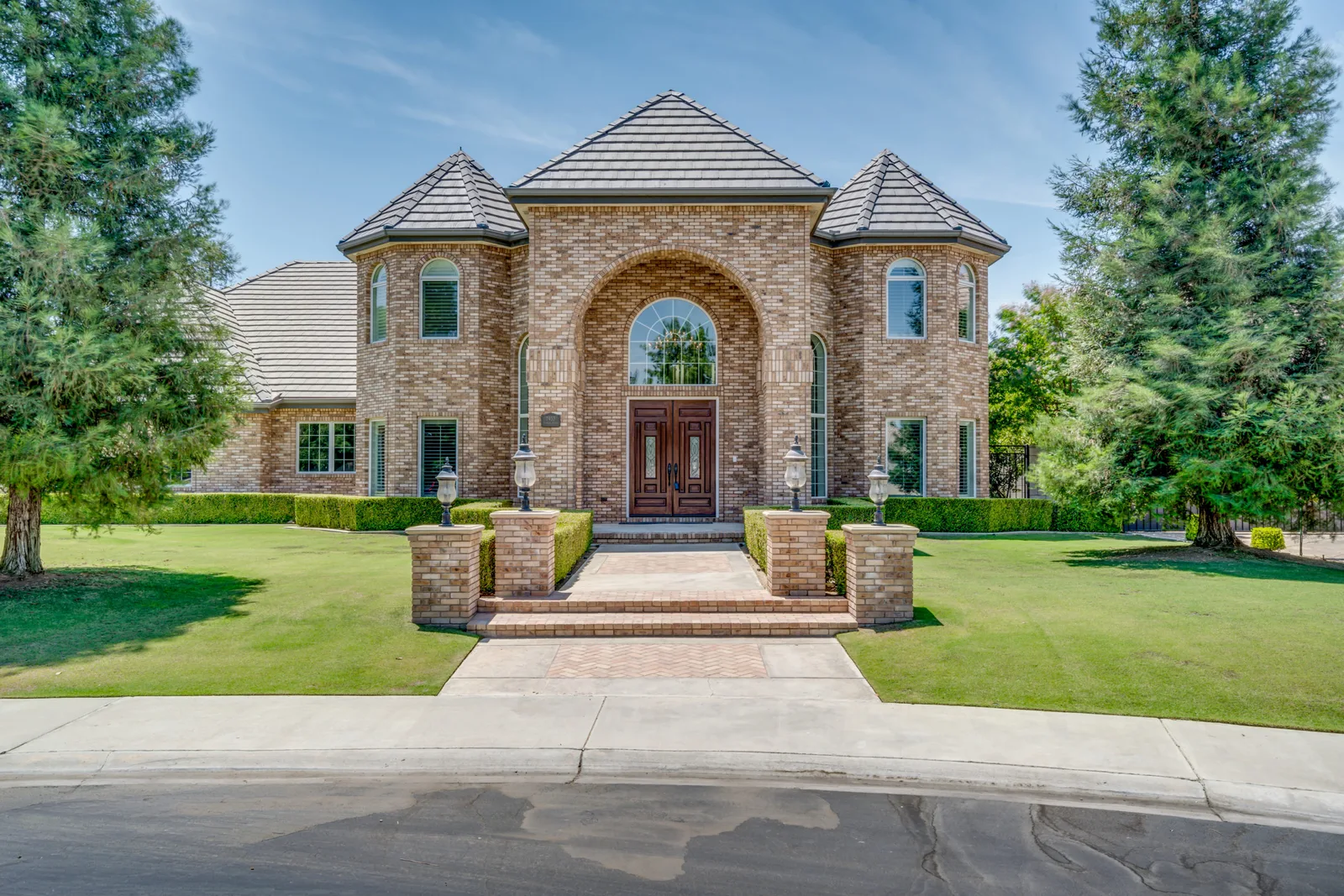
Every agent asks some version of the same two questions before a shoot: how many photos do I actually need, and how long should the video be? The instinct is often "more is better" — upload the max the MLS allows, cut a five-minute cinematic tour. In practice, both of those choices work against a Boston listing. Here's what the data and the MLS norms actually say, and what Flyover's own packages ship at each tier.
The short answer
For photos: 20 to 30 well-chosen images cover almost any home, even though most MLS platforms (including MLS PIN here in Greater Boston) technically allow 40 or more. For video: 60 to 90 seconds is the sweet spot for a full listing video, with a separate 15- to 30-second vertical cutdown for social. That's not a guess — it's the number built into Flyover's own Essentials package, which ships a 90-second walkthrough video as the standard deliverable.
How many photos does a listing actually need?
Most MLS systems cap uploads well above what any buyer will scroll through. Some allow 40 or more images per listing. Real estate photography guides and MLS photography pages consistently land on a narrower working number: 20 to 30 photos is enough to cover any home properly, with a rough rule of thumb of about one photo per 100 square feet plus the exterior, the approach, and any standout feature (water, a chef's kitchen, a primary suite).
- Small condos and starter homes (under 2,000 sq ft): 18–24 photos covers every room, the exterior, and the building or street context without padding.
- Mid-size single-families (2,000–3,500 sq ft): 24–30 photos, adding a second angle on key rooms and a full lot/exterior sequence.
- Larger homes and estates (3,500 sq ft+): 30–45 photos, since more distinct spaces (a den, a home office, a finished basement, a pool house) each earn their own frame.
The failure mode isn't too few photos — it's redundancy. Three near-identical angles of the same living room push a genuinely distinctive feature (the water view, the primary suite, the acreage) further down the scroll, where fewer buyers reach it. A tighter, better-sequenced set outperforms a maxed-out one.
How long should the video be?
The consistent finding across real estate marketing guides is that a full listing video performs best between one and three minutes, with most landing closer to the shorter end — attention drops fast past the two-minute mark, especially on a phone. That's exactly why Flyover's Essentials package is built around a 90-second listing video as the default: long enough to establish flow and feel, short enough that it actually gets watched to the end. The Signature tier trades a little of that brevity for polish — a 2-minute Platinum edit with agent voiceover — on flagship listings that can support the extra runtime.
Social is a different length entirely. A cut built for Instagram, TikTok, or Facebook Reels needs to land in the first two seconds and wrap inside 15 to 45 seconds — which is why it's a separate deliverable (Flyover's social reel add-on) rather than just the full video re-uploaded. A 90-second walkthrough and a 20-second reel are doing different jobs: one sells the property, the other stops the scroll.
What Flyover actually delivers, by package
These aren't estimates — they're what's built into the three Greater Boston packages, priced at a fixed rate per tier:
- Starter ($399): up to 40 interior and exterior photos, up to 10 drone photos, and a floor plan. Photo-only, no video included.
- Essentials ($699), the most-booked tier: everything in Starter plus a 90-second walkthrough video, delivered within 3 business days.
- Signature ($999): up to 40 photos and 10 drone photos, a floor plan, a 2-minute Platinum cinematic video with agent voiceover, and two vertical social reels. The complete cinematic launch.
Standard drone video (+$249), cinematic drone video (+$299), twilight (+$199), and extra social reels can also be added individually to any tier. Package prices include up to 2,500 finished square feet. See the live total on the booking page.
Matching count to the property, not a formula
Square footage is the starting point, not the whole answer. A Cambridge two-bed with strong natural light might only need 20 tight photos and no video at all. A Newton colonial with a finished third floor, a renovated kitchen, and a landscaped yard earns the full 30-photo set plus a listing video, because each of those spaces is a real selling point, not filler. The honest version of "how many photos do I need" is: enough to show every space that would change a buyer's mind, and not one frame more. See our shoot prep checklist for how to walk a property ahead of time and flag those rooms. A downtown condo or high-rise unit follows a different formula entirely — building amenities and view replace the lot and driveway shots, which is its own checklist; see shooting a condo or high-rise listing.
The bottom line
Skip the MLS max and skip the five-minute cinematic cut. Twenty to thirty well-chosen photos and a 60- to 90-second video outperform a bloated gallery and a long video almost every time, because both respect how little time a buyer actually spends per listing. Tell us about your listing and we'll recommend the right count for the property, not a one-size formula.
Frequently asked questions
How many photos should a real estate listing have?
Most homes are fully covered by 20 to 30 well-chosen photos, even though MLS platforms typically allow 40 or more uploads. Larger homes with more distinct spaces can justify 30–45; smaller homes usually need fewer than 25.
What's the ideal length for a real estate listing video?
Between 60 and 90 seconds for the main listing video. Flyover's Essentials package ships a 90-second video as the standard deliverable, based on where engagement holds up best; Signature steps up to a 2-minute cinematic edit for listings that want the deeper treatment.
Is a separate social media cut necessary?
Yes, if you're posting to Instagram, TikTok, or Facebook. Those platforms reward a much shorter cut — 15 to 45 seconds — built to hook in the first two seconds, which is a different edit than the full listing video. See the social reel add-on.
Does a bigger house need more photos?
Generally yes, but the driver is distinct, sellable spaces rather than square footage alone. A large open-plan home may need fewer photos than a smaller one with more individually notable rooms.